Modify most of the configurations in the _config.yml file. Click to download the Chinese annotated version of the Hexo configuration file.
Pre-reading note: If you have installed a Hexo theme, most of the settings will be operated in the theme configuration file _config.[theme].yml. Because the priority of the theme configuration file is higher than that of the Hexo configuration file, most of the following introduction about the Hexo configuration file can be ignored. I will introduce several commonly used settings of Hexo configuration files at the end.
Hexo Configuration File Details:
1. Site ⚓︎
1 | title: Hexo # The title of your website |
2. URL ⚓︎
1 | url: http://example.com # The URL of your website |
3. Directory ⚓︎
1 | source_dir: source # Source folder. Where your content is stored |
4. Writing ⚓︎
1 | new_post_name: :title.md # The filename format for new posts |
5. Home page setting ⚓︎
1 | index_generator: # Generate an archive of posts |
- Here,
index_generator.per_page: 10refers to the page-specific pagination for the home page only. It controls the number of articles displayed per page on the homepage (the main page) and has a higher priority thanper_page: 10.
6. Category & Tag ⚓︎
1 | default_category: uncategorized # Default category |
7. Metadata elements ⚓︎
1 | meta_generator: true # Whether to generate the <meta name="generator" ...> tag |
8. Date / Time format ⚓︎
1 | date_format: YYYY-MM-DD # Date format |
9. Pagination ⚓︎
1 | per_page: 10 # Number of posts displayed on each page. disables pagination 0 |
- Here,
per_page: 10is the default pagination setting applicable to the entire site. It is used for all pagination pages such as category pages, tag pages, archive pages, and search results pages.
10. Include / Exclude Files or Folders ⚓︎
1 | include: # Include hidden files |
11. Extensions ⚓︎
1 | theme: landscape # Theme name. disables theming false. |
12. Deployment ⚓︎
Deployment configuration is as follows: Deploy to GitHub Pages
1 | deploy: |
Common Hexo Configuration ⚓︎
1 | # The language used on the website is generally Chinese. |
All articles on this blog are licensed under CC BY-NC-SA 4.0 unless otherwise stated.
 Wechat
 Alipay
Related Articles
2024-10-03
Hexo Tutorial (3) - Themes
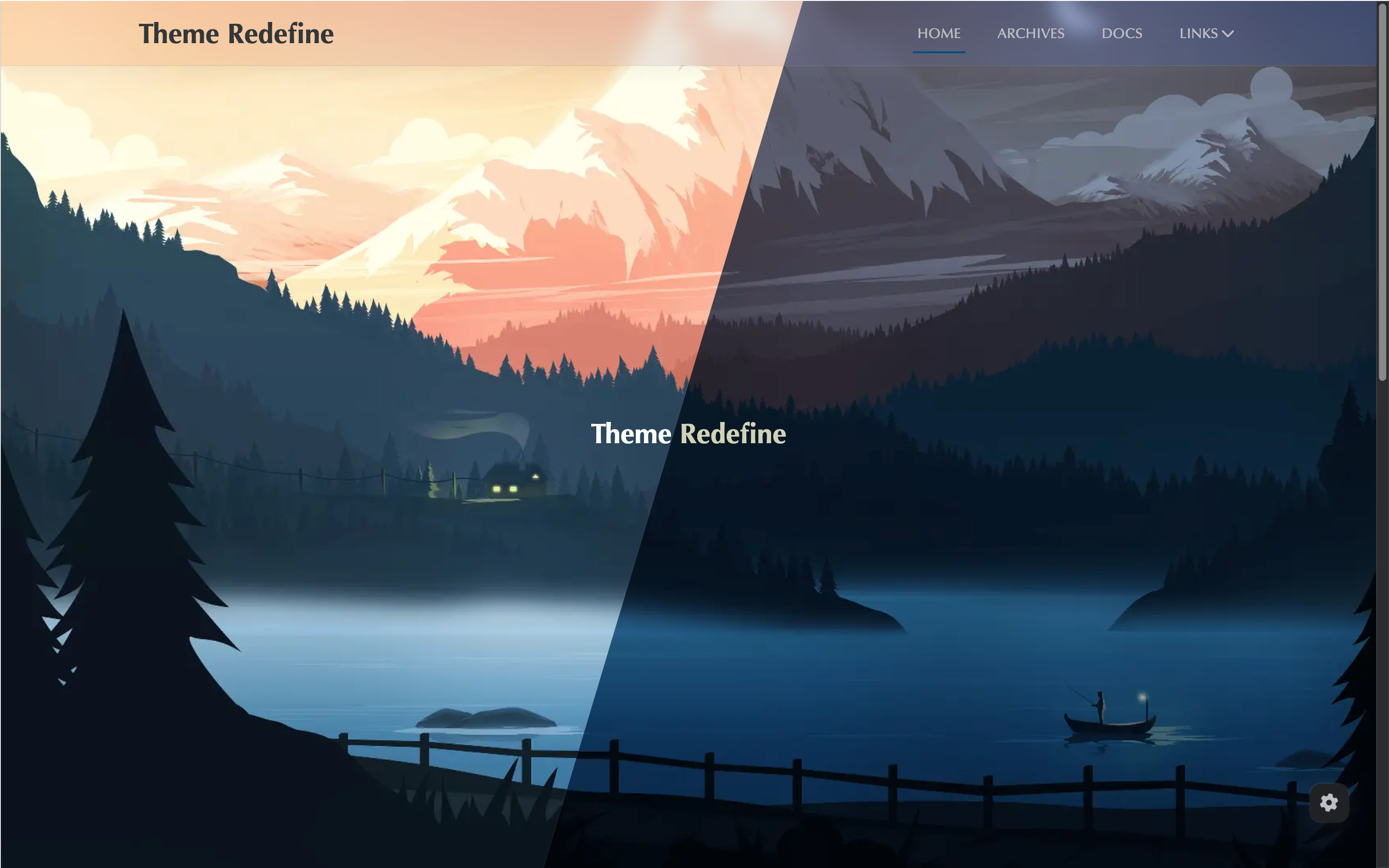
The main content of this section is about the installation and usage of Hexo themes. Taking the Redefine theme as an example, the content is roughly divided into two parts: installing the Redefine theme and configuring the theme.
2024-10-24
Hexo Tutorial (5) - Deploy to Cloud Server
Preparation for deploying Hexo to a cloud server: 1. Local Hexo project files that have been completed; 2. Purchased cloud server, such as Tencent Cloud, Alibaba Cloud, etc.; 3. Server system: CentOS or Ubuntu; 4. Server has opened ports: 22 (SSH), 80 (HTTP), 443 (HTTPS, optional); 5. Obtained server public IP, root account password/key; 6. Purchased domain name and registered (unregistered cannot be accessed) (optional); 7. Purchased SSL certificate (can be accessed via HTTPS) (optional).

2024-10-01
Hexo Tutorial (1) – Site Construction, Deployment & Writing
This article mainly walks you through building a personal blog website from scratch using Hexo and GitHub Pages, covering five sections: preparation, creating a GitHub repository, installing Hexo, deploying to GitHub Pages, and basic blog writing.
2024-10-04
Hexo Tutorial (4) - Comment System
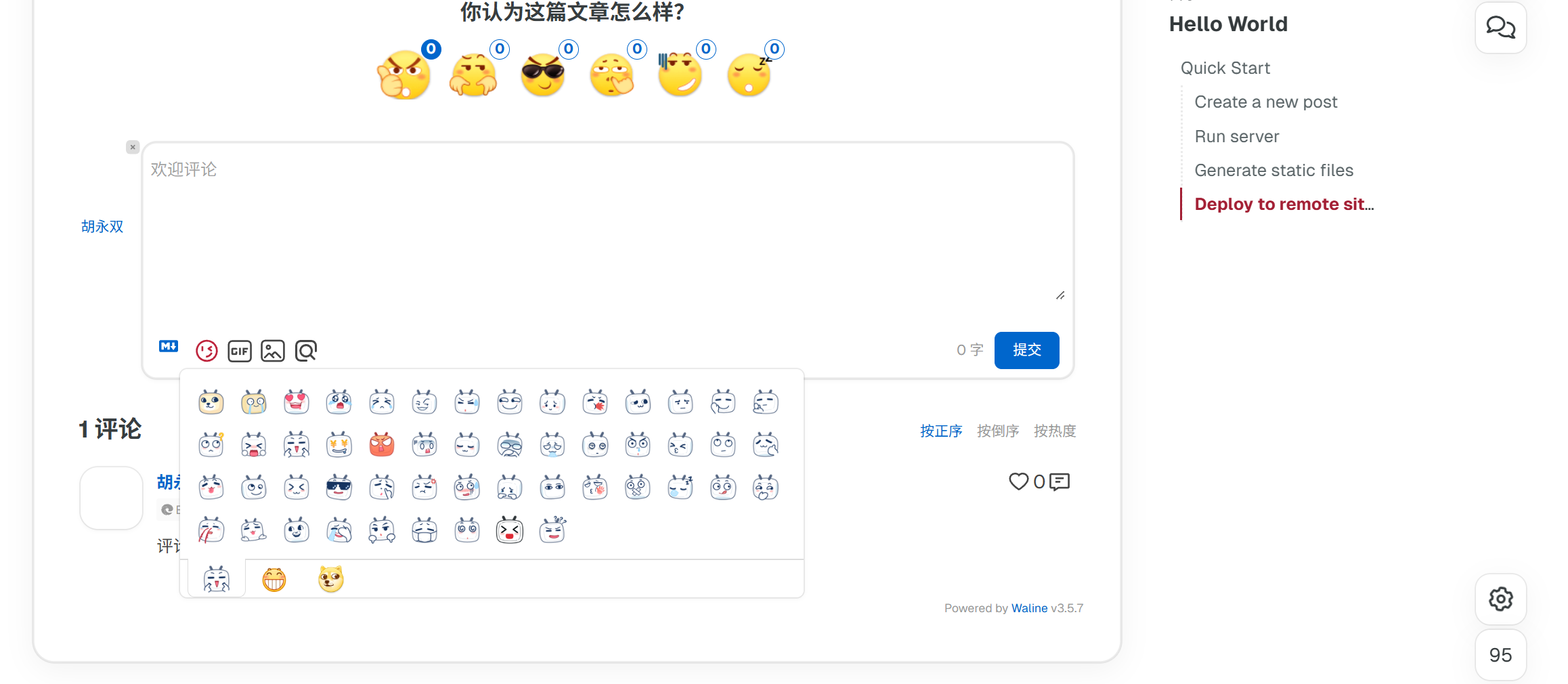
There are many plugins for the comment system, and many themes also have built-in comment system plugins. Let's take the Redefine theme as an example to introduce the usage of the Waline comment system.
2025-02-03
4×4 Rubik's Cube formula
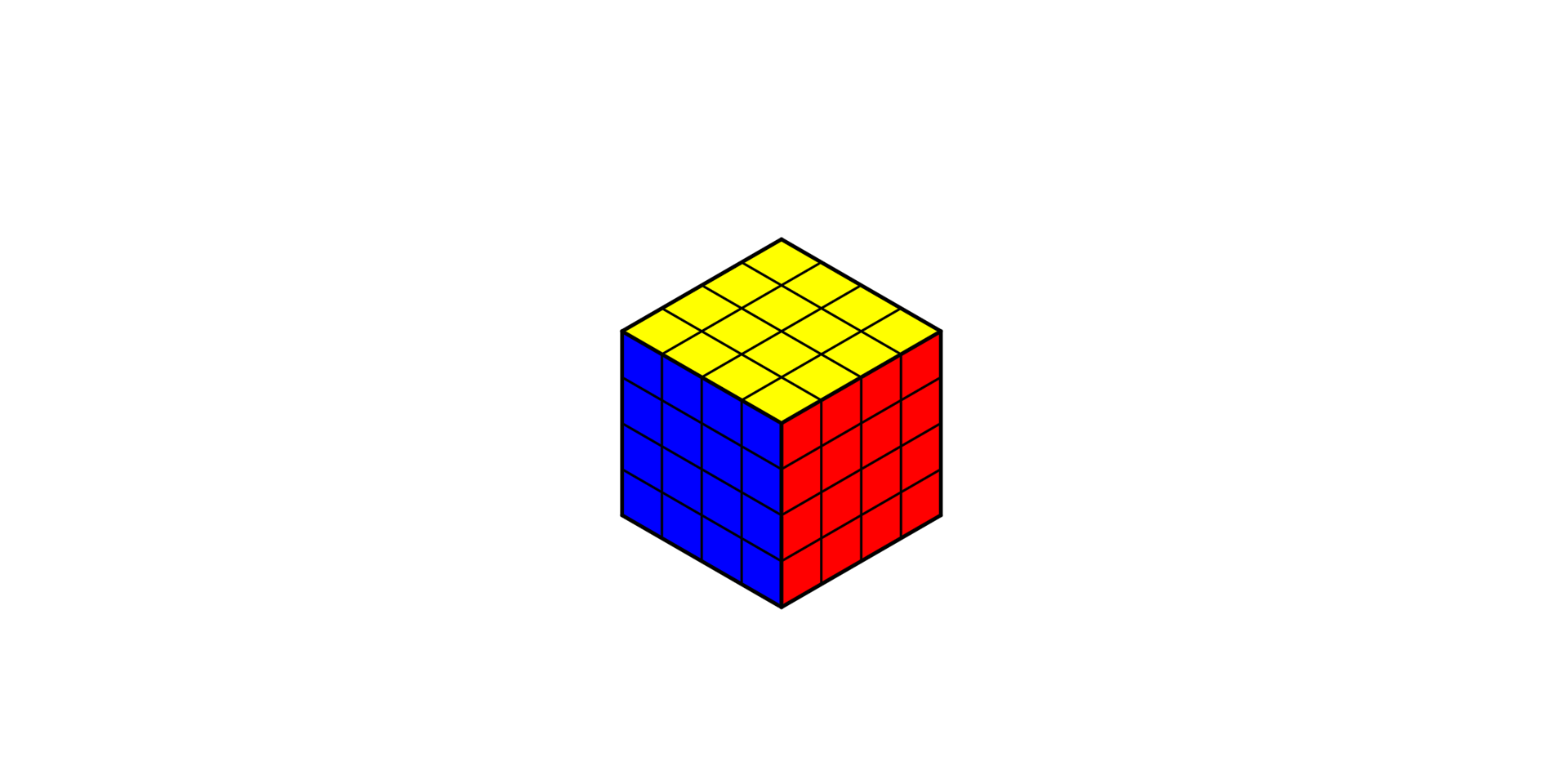
This article mainly introduces the basic solving method for the 4×4 Rubik's Cube, which consists of two main steps: solving center pieces and solving edge pieces. After completing these steps, you can continue solving the cube following the procedures for a 3×3 Rubik's Cube. Two special cases may occur during the solving process that need to be addressed.
2025-02-04
5×5 Rubik's Cube formula
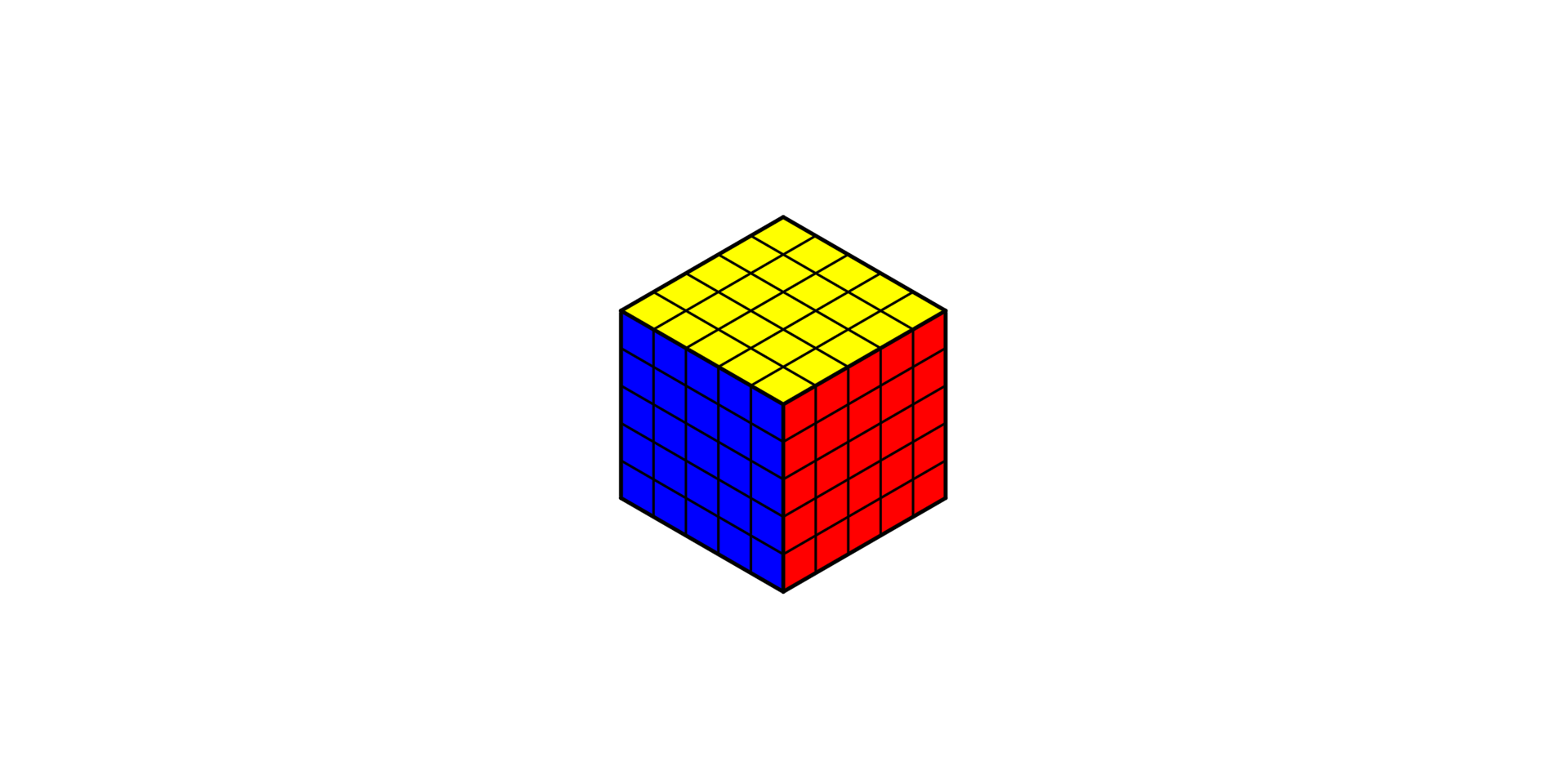
This article mainly introduces the basic solving method for the 5×5 Rubik's Cube, which consists of two main steps: solving center pieces and solving edge pieces. After completing these steps, you can continue solving the cube following the procedures for a 3×3 Rubik's Cube.
Comments
Announcement
Wechat Official Account has more content!

Post Series